Share a file as a link.
See who opened it.

Upload a PDF, deck, image, HTML page, or AI-built app. Get a clean link with tracking, QR code, password, expiry, and viewer analytics.

.
Pick a name, or leave it blank for a random one.
Drag & drop any file or web app
or browse to choose
Web apps, slides, PDF, images, HTML, zip — any file type · up to 100MB

Sharing with a client? See exactly who opened it, when, and which pages they read →

Built something with AI? Publish your Claude, v0, ChatGPT or Bolt app as a live link →

Share it, then see who opened it

Send important files as tracked links. Every link comes with free tracking, with no setup and no signup for your viewers.

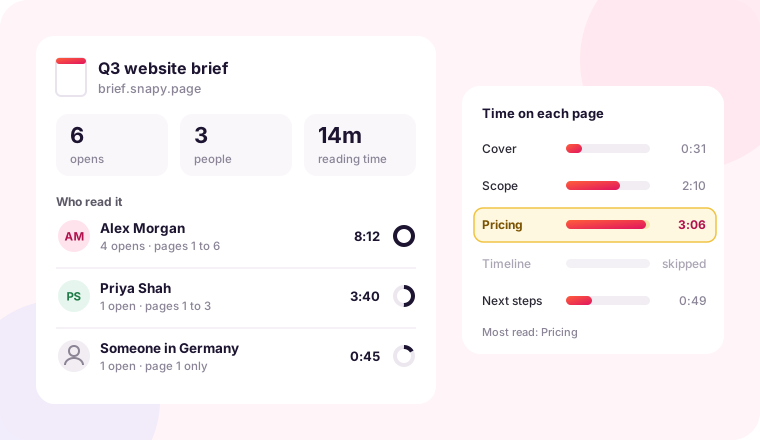
Who opened it

See each open with the time and country, and match it to a viewer's email.

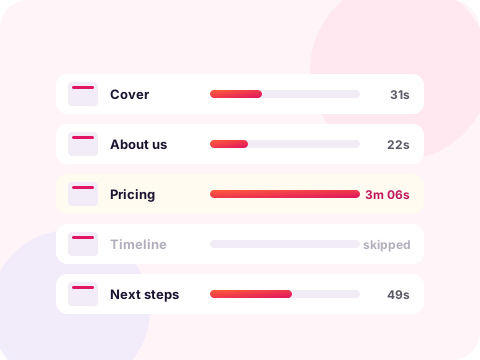
Time on each page

For PDFs, see how long each viewer spent on every page, and what they skipped.

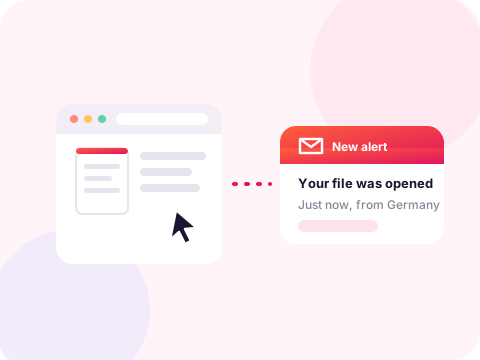
Email me on open

Get an email the moment a client opens your proposal, so you follow up on time.

A free DocSend

Document tracking without the price or the per-seat plans. Free, for any file.

See how document tracking works →

More than tracking on every link

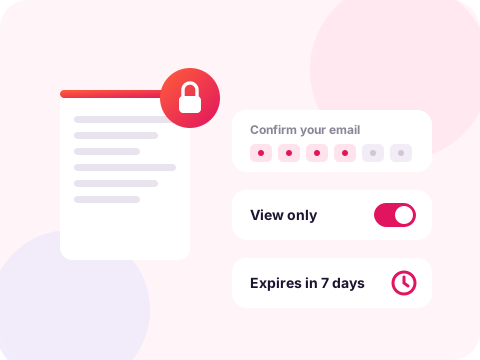
Capture leads, lock it down, swap the file, take it back. All free, no signup.

Built for the way you work

However you work, your files turn into links people can open, and you see who did.

Snapy Pro · launch price for the first 100

Go Pro. Unlock everything.

Full tracking on every link, your own custom domain, Snapy branding removed, lead capture, comments, and 50 GB of storage.

$5/month · or $50/year

Yearly saves ~$10 — launch price for the first 100 members. Cancel anytime.

Payments secured by Lemon Squeezy. See the Terms and Privacy Policy.

Hundreds of file types, one clean link

PDFs, slide decks, web apps, images, menus, reports, zips and more. Each one becomes a single shareable link. Every preview below is a real Snapy link, so open any of them and try it yourself.

How to share a file and get a link

Three steps, a few seconds, no account.

1. Upload your file

Drag and drop a PDF, an HTML page, an image, or a zip. Nothing to install.

2. Name your link

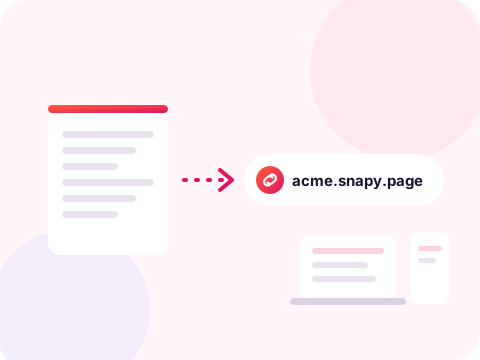
Pick a clean name like proposal.snapy.page, or let Snapy choose one.

3. Share it anywhere

Copy the link into an email, a chat, a post, or a QR code. It opens in any browser.

Free, with tracking on every link

No account, no card, nothing to install. Drop a file, get a clean link in seconds, and see exactly who opened it.

Share a file now →

Share anything as a link

One tool for files, documents, and pages.

Share a PDF

Turn a PDF into a clean link, no attachment needed.

Host an HTML page

Put an HTML file online free, no Git and no build.

Share an AI page

Publish a page from Claude, ChatGPT, or v0 as a link.

Share images

Send a photo or graphic as a link anyone can open.

Why a link beats an attachment

It never bounces. Big files get blocked by email. A link always goes through.
No download needed. The file opens right in the browser, on any device.
Free and instant. Get a link to a file in seconds, with no signup.
Clean custom names. Pick your-name.snapy.page instead of a random string.

How to create a link to a file

No software, no account, and nothing to learn.

To create a link to a file, drop it into the box at the top of this page and click Get my link. Snapy stores the file and gives you back a clean web address you can paste anywhere. The link opens the file directly in the browser, so the person you send it to does not need an account, an app, or a download step.

You can name the link yourself. A name like price-list.snapy.page reads better than a random string and looks more trustworthy in an email or a message. If the name is already taken, Snapy asks you to pick another, so two files never share a link.

The same flow works for almost anything: turn a PDF into a link, host an HTML page for free, or share a page you built with an AI tool. Whatever the file, the result is one short link that just works.

Want the full picture? Read the complete guide on how to share a file online, covering every file type and how to keep a link private.

Questions about sharing files

How do I share a file and get a link?

Drop your file in the box, pick a name if you want, and click Get my link. The link is ready in seconds, with no account.

How do I create a link to a file for free?

Upload the file to Snapy and it gives you a free link to share anywhere. No signup or email is needed.

What files can I turn into a link?

PDFs, HTML pages, images, text files, and zips, up to 100MB each.

Do I need an account?

No signup is needed to create and share a link. A free account is optional and unlocks the dashboard, custom domains, lead capture, and analytics.

Can I give the link a custom name?

Yes. Name it yourself, like name.snapy.page. If the name is taken, Snapy asks you to choose another so links never clash.

Can I share a whole HTML project?

Yes. Zip the folder and upload it. Snapy serves the files on a clean subdomain, so a multi-file page opens like a small website.

Go Pro · $50/year, save ~$10 vs monthly · launch price for the first 100 members.