DocSend plans and prices
Read from DocSend's own pricing page on 7 October 2026, with both the monthly and the yearly toggle, not from a comparison site. Prices are in US dollars. Prices change, so check theirs before you buy.
| Plan | Billed yearly | Billed monthly | Users included | Built for |
|---|---|---|---|---|
| Personal | $10 a user a month | $15 a user a month | 1 | Sending documents and seeing who reads them |
| Standard | $45 a user a month | $65 a user a month | 1 | Several files on one link, branding, file requests |
| Advanced | $150 a month | $250 a month | 3 | Data rooms with visitor checks, NDAs and watermarks |
| Advanced Data Rooms | $180 a month | $300 a month | 3 | Due diligence: audit logs, indexing, data room analytics |
There is no free plan. The only no-cost option is a 14-day trial of Advanced Data Rooms, and DocSend's own fine print says unlimited visitors are "not available on free trials". Enterprise needs are handled by its sales team, with no public price.
What each plan includes
Personal: 1 user, shared link controls, document-level analytics with real-time open notifications, 4 e-signature requests a month, unlimited visitors, 10 GB of storage, and documents up to 2 GB.
Standard: everything in Personal plus several files on one link, video analytics, file requests, a branded viewer and custom subdomain, unlimited e-signatures, team folders and admin roles, a visitor export, and 50 GB of storage per user. You can already create data rooms here, up to 200 files each.
Advanced: everything in Standard with 3 users included, plus email authentication for visitors, allow and block lists, NDAs and other gating agreements, dynamic watermarking, data room folders, granular permissions and up to 2,000 files per data room.
Advanced Data Rooms: everything in Advanced plus group visitor permissions, due diligence tracking, a data room audit log, automatic file indexing, data room analytics, priority email support and up to 4,000 files per data room.
What you actually pay in a year
Personal and Standard multiply by the number of people. Advanced and Advanced Data Rooms do not, up to their 3 included users.
| Who | Plan | Billed yearly | Billed monthly |
|---|---|---|---|
| Solo founder | Personal | $120 a year | $180 a year |
| Two partners | Standard | $1,080 a year | $1,560 a year |
| Team of three | Standard | $1,620 a year | $2,340 a year |
| Team of three | Advanced | $1,800 a year | $3,000 a year |
| Deal team of three | Advanced Data Rooms | $2,160 a year | $3,600 a year |
| Sales team of five | Standard | $2,700 a year | $3,900 a year |
Paying yearly saves about a third on Personal and Standard and 40% on the two Advanced plans. One detail worth noticing: for three people billed yearly, Advanced costs only $180 a year more than three Standard seats and adds watermarking, NDAs and visitor email checks.
The costs that are easy to miss
- No free tier. Every plan is paid after the trial, and the trial is of the most expensive plan, so what you test is not what Personal gives you.
- Personal caps e-signatures at 4 requests a month per user. Standard and up are unlimited.
- Visitor email authentication, NDAs and watermarking start at Advanced. If you need any one of them, the cheapest way in is $150 a month billed yearly.
- The pricing page does not price a fourth user on Advanced or Advanced Data Rooms. Ask sales before you plan around them.
- Add-ons cost extra: the Salesforce integration (Standard and up), single sign-on and sub-teams (Advanced and up) are marked as an "additional cost add-on" that DocSend's sales team prices for you.
- Tax: the page says sales tax is included automatically in jurisdictions where Dropbox is registered, so check the total at checkout.
Which plan you need
- You send a pitch deck or proposal and want to know who read it: Personal.
- You send several files at once, want your own branding, or need unlimited signatures: Standard.
- You need visitors to verify their email, sign an NDA first, or see a watermark: Advanced.
- You are running due diligence and need audit logs and indexing: Advanced Data Rooms.
When you don't need DocSend at all
If what you use DocSend for is knowing when someone opened the one document you sent, that part costs much less, or nothing.
Snapy.host turns a PDF, a deck or another document into a link. The free plan counts every open with the country and referrer, counts downloads separately, adds up total reading time, and emails you the first time the link is opened. Password, expiry date, view-only and a QR code are free too. The free plan gives you one live link at a time, files up to 150MB.
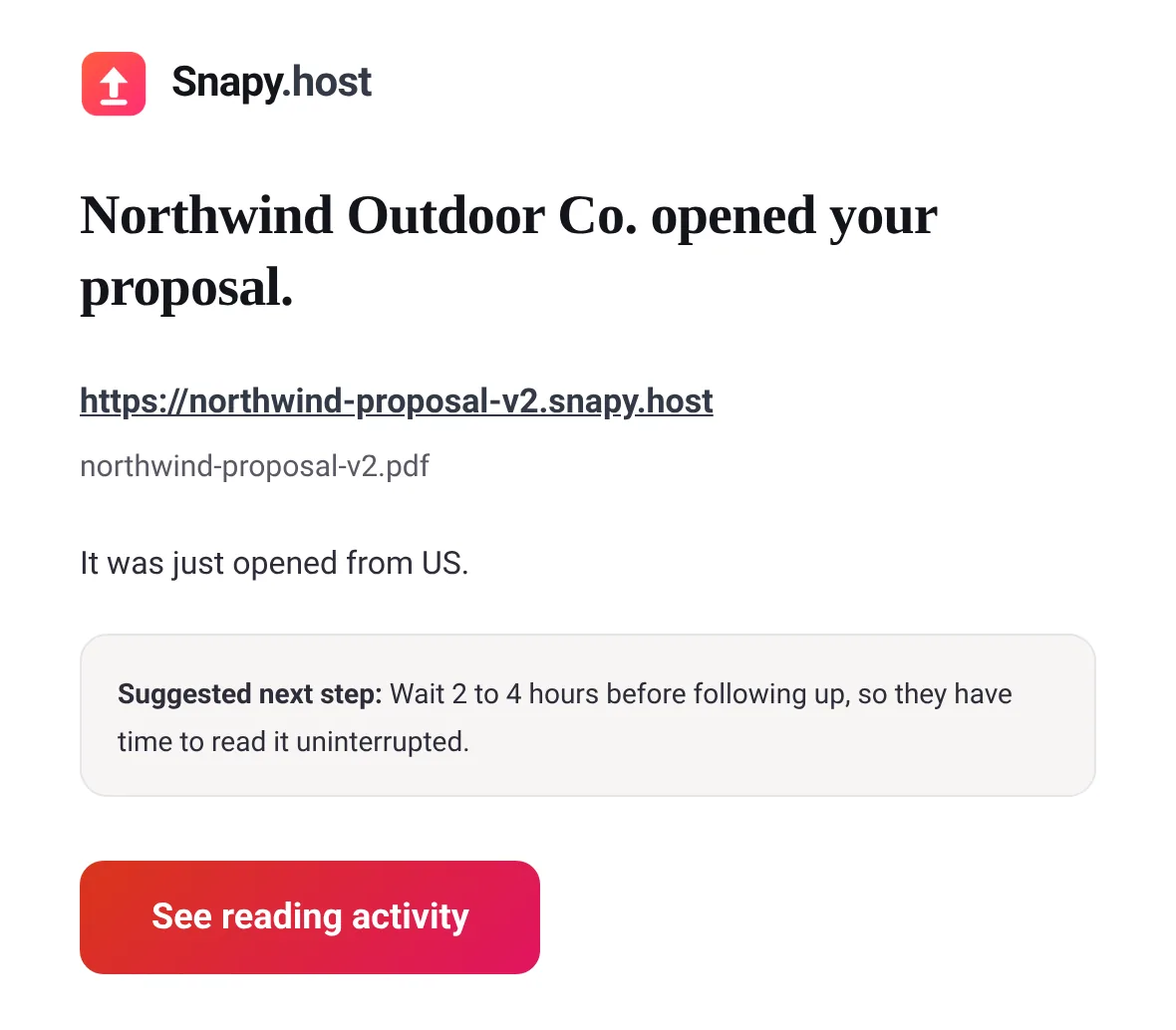
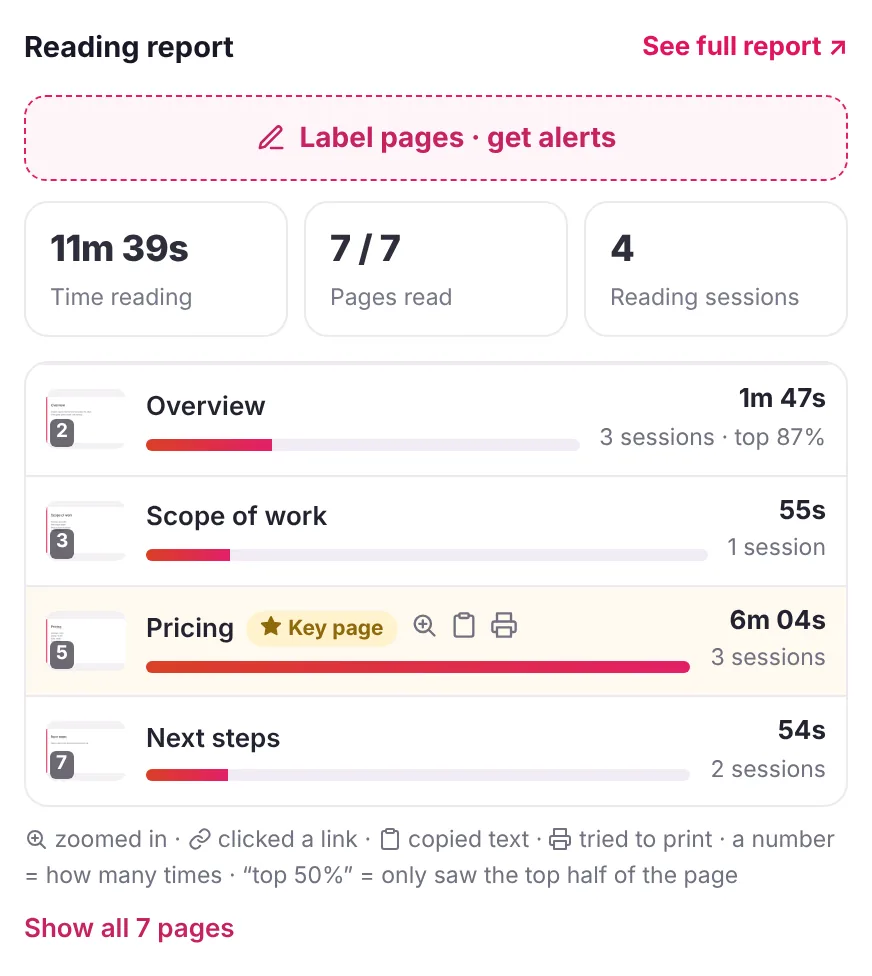
Snapy Pro is $9 a month or $90 a year in the US (€9 in the euro zone, £8 in the UK) for one person. It adds who opened it by name (with the email gate on), time spent on each page of a PDF, an email on every open, unique visitor counts, replacing the file behind a link, and a custom domain.
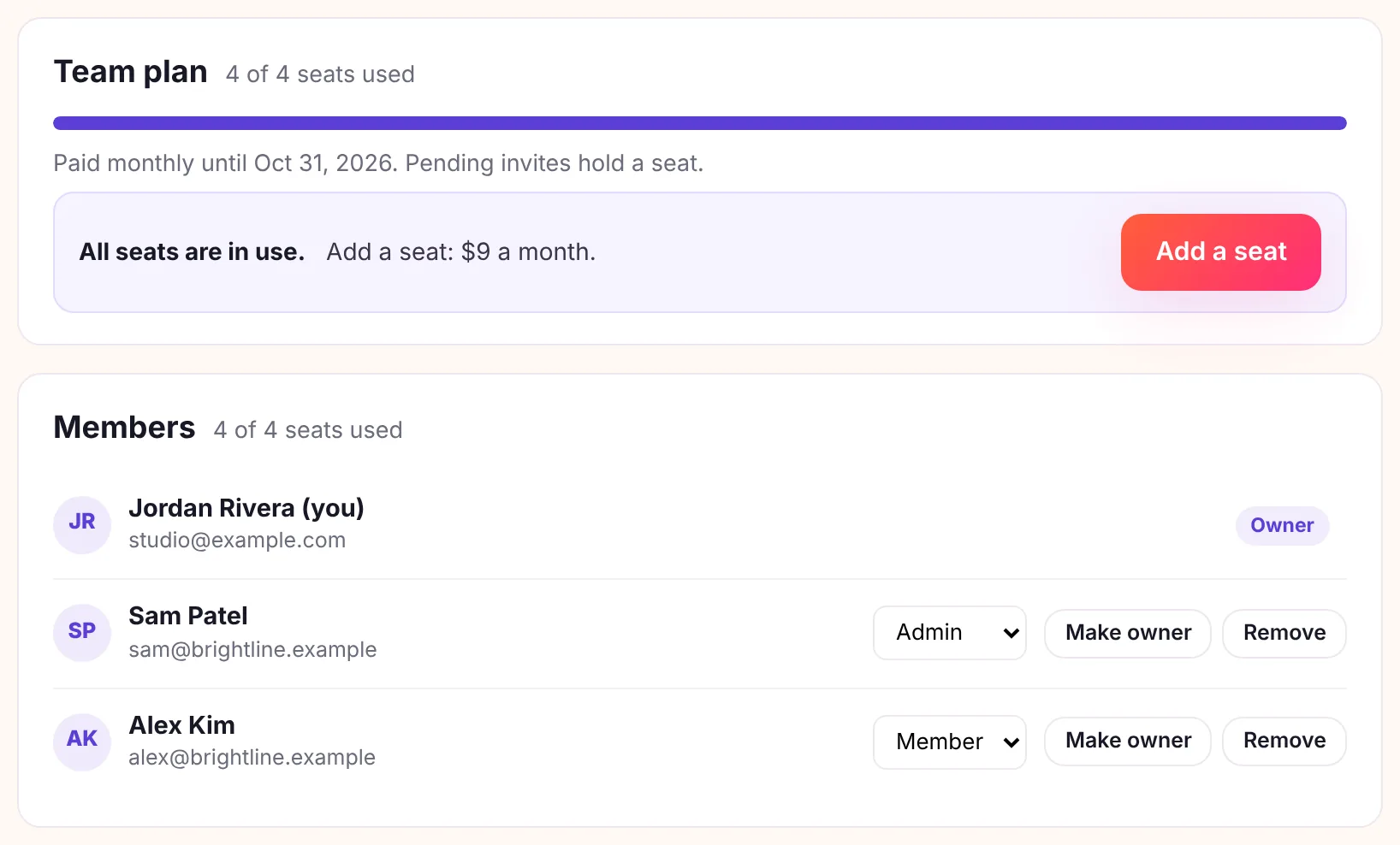
Snapy Team is $29 a month or $290 a year in the US (€29 in the euro zone) for 3 people, then $9 a month or $90 a year for each extra person, up to 10. Everyone on it gets everything in Pro, in one shared workspace. For three people that is $348 a year on monthly billing, against $1,620 for three Standard seats billed yearly.
What Snapy does not do, so you can rule it out quickly:
- No data rooms or folders of documents with per-visitor permissions.
- No e-signature, no NDA before viewing, no dynamic watermarking.
- No Salesforce integration and no single sign-on. Teams are basic: a shared workspace with Owner, Admin and Member roles, up to 10 people, on the Team plan.
- No video analytics, and files stop at 150MB where DocSend takes 2 GB.
If you need any of those, stay on DocSend and pick the plan above. If you need a link and a read receipt, start with turning a PDF into a link, or compare the two side by side on the DocSend alternative page.